- List your property - it's free
- Sign up or Log in
- English- en
- THB - ฿
- Buy
- Thailand Property For Sale
- Thailand Real Estate
- See Newest Listings
- Why Buy with FazWaz
- Rent
- Sell
- Financing
- Projects
- Advice
- Join Us We're Hiring!

View and Edit your Profile
First you'll need to be signed up and logged-in to FazWaz. Once you're ready, on desktop hover over your name on the top-right of the header and click Profile:
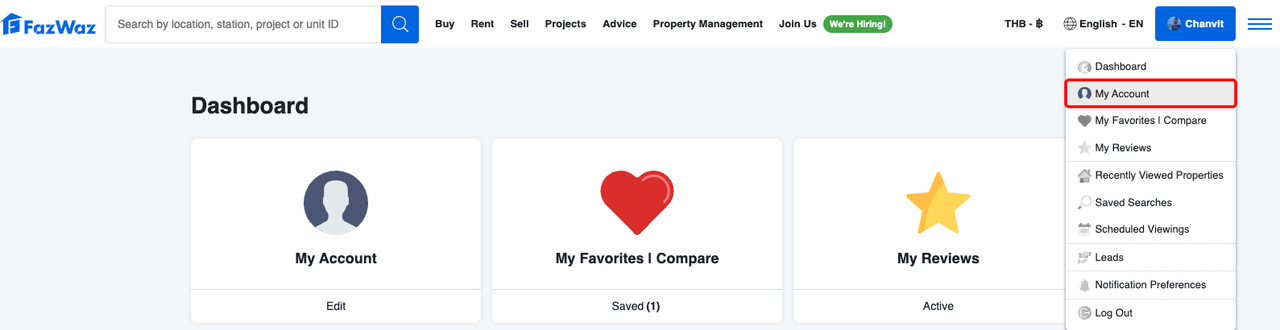
On mobile you can find the Profile menu item behind the three bars on the top-left of the header, then by clicking the arrow next to your name:
Once you get to the profile page you can update these fields as desired:
Email Notification Settings
If you're on desktop you'll also find a link to your Email Notification preferences:

You can choose to turn the following emails on or off:
Share on FB Share on WeChat Share on WhatsApp Share on LINE Send via Email
See Related Articles

 Language
  Price display